
SERGEY POLTEV'S PICKS - VPN
Best VPNs for Browsing the Web Privately in 2026
Your internet provider sees everything. So do advertisers, hackers on public Wi-Fi, and data brokers. A reliable VPN closes those doors. Here are the services that actually deliver on their promises;
Tested, Ranked, and clearly explained.
Why do you need a VPN?
A Virtual Private Network (VPN) creates an encrypted tunnel between your device and the internet. Every website you visit, every message you send, and every file you download travels through that tunnel invisible to your internet provider, network administrators, and anyone else monitoring traffic on your connection.
Without one, your browsing history is a product. Internet providers in many countries are legally permitted to sell aggregated user data. Public Wi-Fi hotspots at airports, hotels, coffee shops are trivially easy to eavesdrop on. A VPN eliminates both risks in a single step. The best services take about three minutes to install and run silently in the background.
SERGEY'S PICKS
PROVEN SOLUTIONS
Recommended VPN
Vetted products and services I personally use and recommend to clients
Express VPN
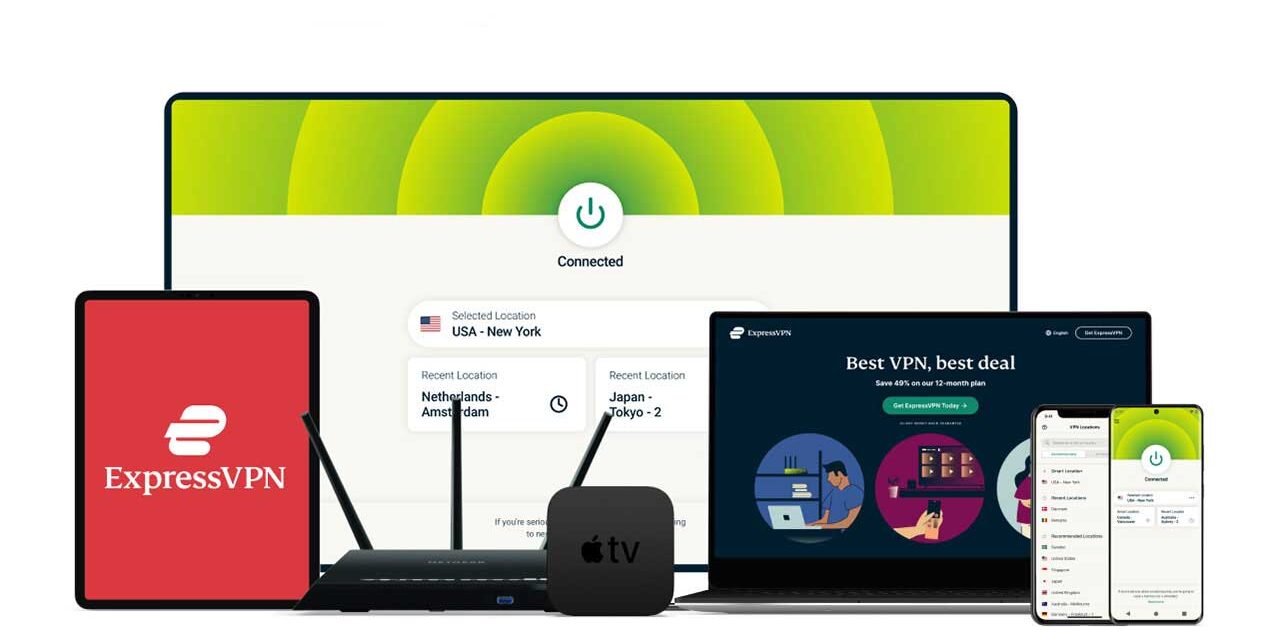
The fastest, most reliable VPN available; Military-grade encryption with servers in 105 countries.
PROS
Fastest speeds of any VPN we tested
Works in restrictive countries (UAE, China)
RAM-only server infrastructure
Independent third-party privacy audits
24/7 live chat support that actually helps
CONS
Pricier than budget competitors
Only 8 simultaneous device connections
COVERAGE
Protects up to 8 devices per subscription
Windows, macOS, iOS, Android, Linux, and router support
3,000+ servers across 105 countries
24/7 live chat support included
SERGEY'S PICKS DEAL
Save 61% — Get 3 months FREE with any 12-month plan for just $4.99/month
30-day money-back guarantee, no questions asked
Surfshark
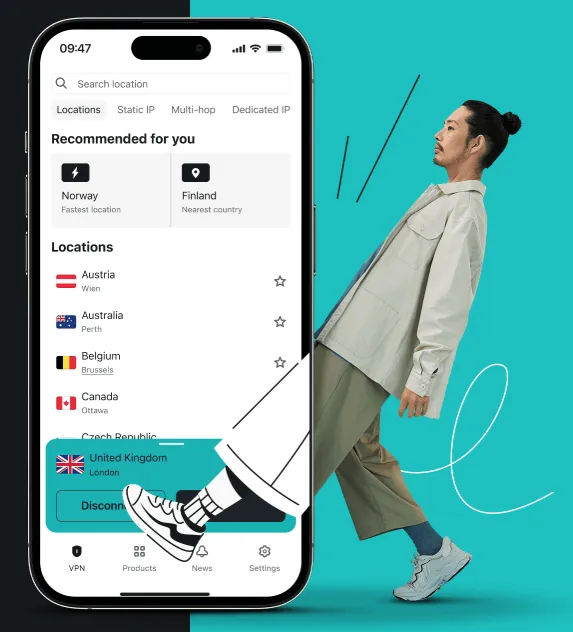
Unbeatable value with top-tier security — unlimited devices and blazing speeds for under $3/month.
PROS
Unlimited simultaneous device connections.
Lowest price of any top-tier VPN
Built-in ad and tracker blocking (CleanWeb)
Audited no-logs policy
CONS
Slightly slower on servers far from your location
Some advanced features require paid add-ons
COVERAGE
Unlimited devices under a single subscription.
Windows, macOS, iOS, Android, Linux, and smart TV support.
3,200+ servers across 100 countries
Built-in malware and phishing site blocking
SERGEY'S PICKS DEAL
Save 78% — Get 4 months FREE with any 24-month plan for just $2.79/month.
30-day money-back guarantee included.

Sergey's Pro Tip
Turn your VPN on before you connect to any public Wi-Fi not after. The window between connecting and activating your VPN is when attackers strike. Make it a habit: connect, VPN on, then browse. Takes two extra seconds and eliminates an entire category of risk.
PROVEN SOLUTIONS
How to Choose the Right VPN
Not all VPNs are created equal. Some throttle your speeds, others sell the very data they claim to protect. Here's exactly what I look for before recommending any VPN:

Connection Speed
Test using WireGuard or a modern equivalent protocol. A quality VPN should reduce your speed by no more than 10–15% on nearby servers.

Audited No-Logs Policy
Self-declared "no logs" means nothing. Look for providers whose logging policies have been independently verified by a reputable cybersecurity firm.

Encryption Standard
AES-256 is the minimum. Confirm the provider uses this standard for data in transit — it's the same level used by government agencies.

Server Network Size
More servers in more countries means faster connections and more geographic flexibility. Look for at least 60+ countries covered.

Multi-Device Coverage
One subscription should protect all your devices — laptop, phone, tablet, and router. Anything less than 5 simultaneous connections isn't enough for most people.

Kill Switch
If your VPN drops unexpectedly, a kill switch cuts your internet immediately — preventing accidental data exposure. This is non-negotiable for business use.

PDF Download
Security Checklist
Comprehensive 50-point checklist for small to medium businesses
Access Tool
PDF Download
Incident Response Template
Ready-to-use IR plan template with step-by-step procedures
Access Tool
Frequently Asked Questions
Will a VPN slow down my internet?
A small amount of overhead is unavoidable when encrypting and rerouting traffic. However, modern VPNs using WireGuard-based protocols typically reduce speeds by less than 10–15% on fast connections. Streaming, video calls, and general browsing feel identical in practice. You'd only notice a real difference on very high-speed connections over 500 Mbps.
Is it legal to use a VPN?
In most countries, yes — VPNs are legitimate privacy tools used by businesses worldwide. Some countries with highly restrictive internet policies limit or regulate VPN use. Always verify the rules in your specific jurisdiction. Using a VPN does not exempt you from local laws governing what you do online.
Do I need a VPN if I already have antivirus software?
Yes — they protect against completely different threats. Antivirus catches malicious files and programs on your device. A VPN encrypts your network traffic so no one can intercept it in transit. You need both. Think of antivirus as locking your front door and a VPN as making your home invisible to anyone walking down the street.
Can I use a free VPN?
I strongly advise against it for business or sensitive personal use. Free VPN providers have to generate revenue somehow — and the most common method is collecting and selling your browsing data to advertisers. That's the exact opposite of what a VPN is supposed to do. The paid options I recommend cost less than a coffee per month and have independently audited privacy practices.
Will a VPN let me access content from other countries?
Generally yes. Connecting through a server in another country makes websites and streaming platforms see your traffic as coming from that location, unlocking regional content libraries. Effectiveness varies by platform — some streaming services actively block VPN addresses. ExpressVPN and Surfshark both have strong records for bypassing these restrictions consistently.
Should my employees use a VPN for remote work?
Absolutely — and this should be company policy, not optional. Any employee working from home, a hotel, or a coffee shop is accessing your business systems over an untrusted network. A VPN ensures that connection is encrypted end-to-end. A single unprotected remote session is a realistic attack vector for credential theft and ransomware deployment.
Get My Ultimate Hackproof Guide
Get access to my complete list of recommended security tools with exclusive discount codes.
Browse Other Categories

Cybersecurity authority and author of Hack Proof: A Guide to Cybersecurity for Your Business



Join our Mailing List
And that's just a peek at what we offer. Get more marketing tips straight to your inbox.
© 2025 . All rights reserved.