SERGEY POLTEV'S PICKS - PASSWORD MANAGER
Best Password Managers Reviewed for 2026
Discover the most secure, user-friendly, and reliable password managers to protect your accounts and simplify your online life in 2026.
Why do you need Password Managers?
A password manager helps protect your online accounts by creating and storing strong, unique passwords for every login, so you only need to remember one master password. It makes signing in easier while reducing the risk of hacked or compromised accounts.
SERGEY'S PICKS
PROVEN SOLUTIONS
Recommended Password Managers
Vetted products and services I personally use and recommend to clients
NordPass
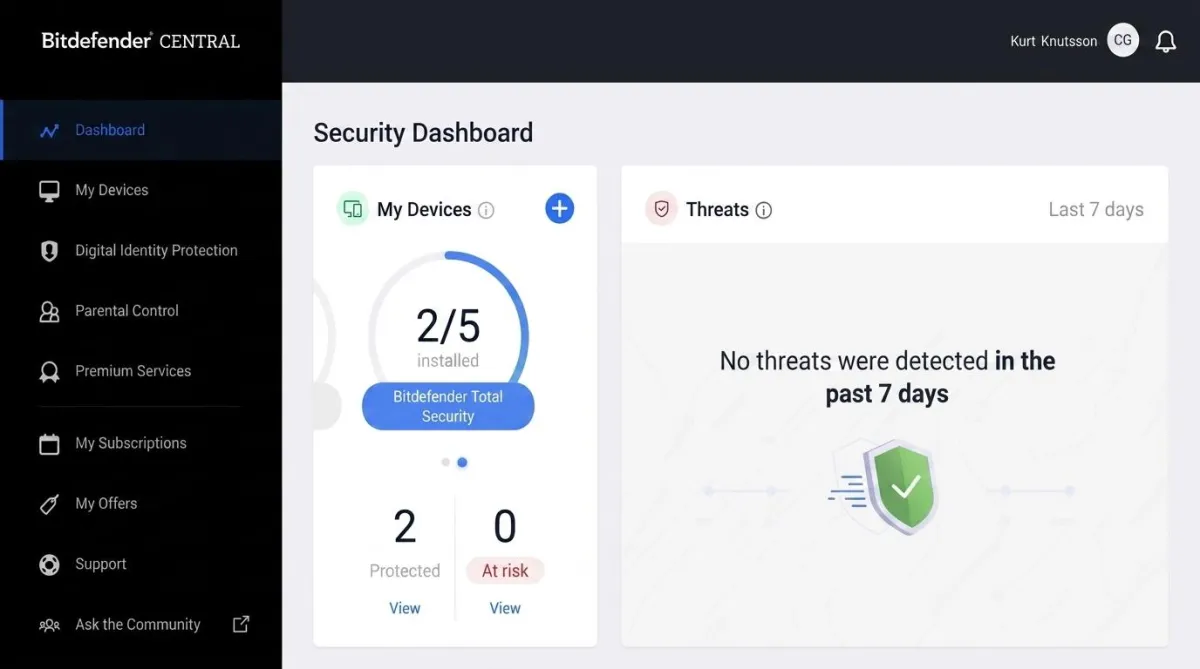
NordPass is a reputable password manager that combines robust security features with a user-friendly interface. It employs zero-knowledge encryption and military-grade XChaCha20 encryption, ensuring that only you have access to your data. NordPass supports a wide range of platforms, including Windows, macOS, Linux, Android, and iOS, and offers browser extensions for Chrome, Firefox, Safari, Edge, and Opera.
PROS
Unlimited Password Storage
Unlimited Devices
Cross-Platform Compatibility
Secure Password Sharing
Password Health Reports
Data Breach Monitoring
End-to-End Encryption
Auto-Fill Feature
Emergency Access
CONS
Limited Free Version
COVERAGE
Stores passwords, passkeys, credit cards, and secure notes in one encrypted vault
Lets users generate strong, unique passwords for better online security
Includes autofill and auto-save features for faster logins
Syncs across devices including Windows, Mac, Android, iPhone, tablets, and browsers
Offers biometric login support like fingerprint and face recognition
Features Password Health tools to identify weak, reused, or old passwords
Includes a Data Breach Scanner to alert users if credentials are exposed online
Uses zero-knowledge architecture and XChaCha20 encryption for privacy and security
Allows secure password sharing and file attachments with Premium plans
Current promotion includes an extra free month with a 2-year Premium subscription
Comes with a 30-day money-back guarantee
Known for being user-friendly, secure, and affordable compared to other password managers
SERGEY'S PICKS DEAL
Save 68% now with CyberGuy’s exclusive NordPass offer – Get 1 extra month FREE with a 2-year plan. Try 30 days risk-free for only $0.94 per month!
1Password
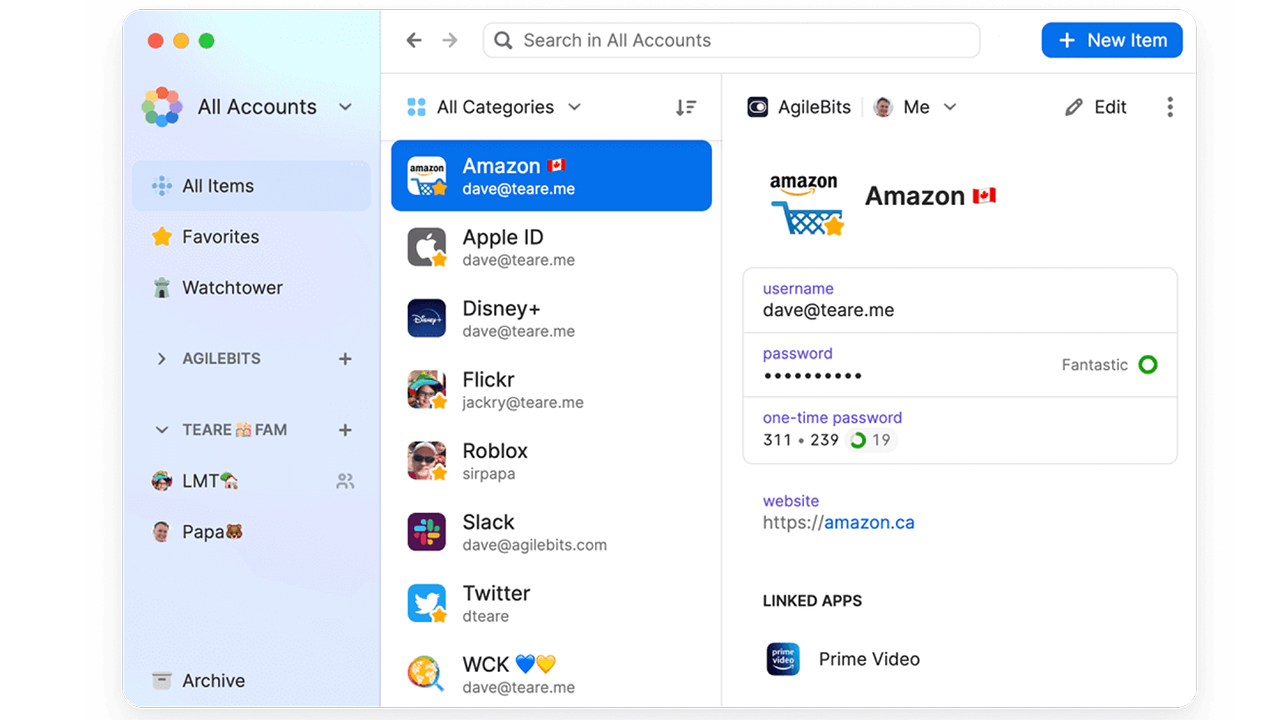
With no known security breaches or vulnerabilities, 1Password is a solid option as a paid password manager. It utilizes a well-designed interface, which features core components that are expected from premium, paid password managers.
PROS
Encrypted credential storage
Strong password generation
Faster login access
Multi-device synchronization
Breach monitoring protection
Advanced privacy encryption
Biometric login support
Secure credential sharing
Exclusive premium offer
Risk-free guarantee
CONS
No free plan
Limited trial period
Complex account setup
COVERAGE
Securely stores passwords, passkeys, credit cards, notes, and sensitive documents
Generates strong, unique passwords for every account
Autofills logins and payment details across websites and apps
Syncs across Windows, Mac, Linux, Android, iPhone, iPad, and browsers
Includes Watchtower alerts for weak, reused, or compromised passwords
Uses end-to-end encryption for advanced account protection
Supports secure password and vault sharing with family members
Families plan includes up to 5 users with shared vaults and admin controls
Offers Travel Mode to temporarily hide sensitive data while traveling
Provides 24/7 access to your credentials from all connected devices
Includes a 14-day free trial for personal and family plans
SERGEY'S PICKS DEAL
$2.99 a month for an individual billed annually, for a total of $35.88/year.
You can save more with a family option for $60/year – which gives allows you to share a license with 5 family members (making it $1 per person per month).
Sergey's Pro Tip
Use a password manager to give employees secure access to business accounts without sharing passwords directly. This improves security, simplifies team collaboration, and makes it easier to manage access when team members join or leave your company.
PROVEN SOLUTIONS
How to Choose the Right Password Manager
Not all antivirus software is equal. Some slow your system to a crawl, others miss threats that budget options catch. Here's what I look for before recommending any antivirus product:
Strong Security Protection
Choose a password manager that uses strong encryption and advanced security to keep your credentials protected.
Cross-Device Compatibility
Make sure it works smoothly across all your devices, including computers, smartphones, and tablets.
Unique Password Generation
Look for a tool that can generate strong, unique passwords for every account to improve overall security.

Automatic Login Filling
A good password manager should automatically fill in login details for websites and apps you frequently use.

Browser Extension Support
Select one that offers browser extensions compatible with your preferred browsers for faster and easier sign-ins.
Extra Security Features
Prioritize password managers that include features like password breach alerts, account recovery options, and two-factor authentication.

PDF Download
Security Checklist
Comprehensive 50-point checklist for small to medium businesses
Access Tool
PDF Download
Incident Response Template
Ready-to-use IR plan template with step-by-step procedures
Access Tool
Frequently Asked Questions
What is a password manager and how does it work?
A password manager is a secure tool that stores and organizes your login credentials in an encrypted vault. It helps you log in automatically and generates strong passwords for each account.
Is it safe to store all my passwords in one place?
Yes. Password managers use strong encryption and security measures like a master password and two-factor authentication to protect your data from unauthorized access.
Can I use a password manager on multiple devices?ow often should I scan my devices?
Most password managers sync across devices like laptops, smartphones, and tablets so you can access your passwords anytime, anywhere.
What happens if I forget my master password?an I run two AntiVirus programs at once?
Many password managers offer account recovery options, but some may not be able to restore access for security reasons, so it’s important to store it safely.o — running two AntiVirus programs simultaneously causes conflicts and actually reduces your protection. Choose one strong solution and stick with it.
Do password managers really create strong passwords for me?
Yes. They can generate complex, unique passwords for each account, reducing the risk of hacking from reused or weak passwords.
Get My Ultimate Hackproof Guide
Get access to my complete list of recommended security tools with exclusive discount codes.
Browse Other Categories

Cybersecurity authority and author of Hack Proof: A Guide to Cybersecurity for Your Business



Join our Mailing List
And that's just a peek at what we offer. Get more marketing tips straight to your inbox.
© 2025 . All rights reserved.